Azure — the standard for modernising your IT environment
...and 10 benefits with a direct impact on your business
In most organisations, the challenge is not “whether to adopt the cloud” but how to manage infrastructure and applications with predictable costs, access control, security and incident recovery. Microsoft Azure addresses this by providing a unified platform of services (compute, storage, networking, data, security, DevOps) that can be combined as needed — including in hybrid scenarios.
What exactly is Azure?
Microsoft Azure is a cloud platform for building, hosting and managing applications and infrastructure, including SaaS, IaaS and PaaS services. It enables scaling and automation of operations without dependency on local hardware, and integrates natively with the Microsoft ecosystem (including Microsoft 365).
But what are the business benefits of Azure?
We can group the benefits into four technical pillars, as prioritised within Azure itself:
1. Security & Compliance – вградени защити, политики и контрол.
2. Cost & Efficiency – плащане според потреблението.
3. Reliability & Continuity – резервираност, бекъп и възстановяване при срив.
4. Scalability & Innovation – мащабиране и достъп до иновативни инструменти.
10 benefits with the most direct business impact
1. Built-in threat protection Azure provides mechanisms and services for protecting resources and workloads, including infrastructure and operations security.
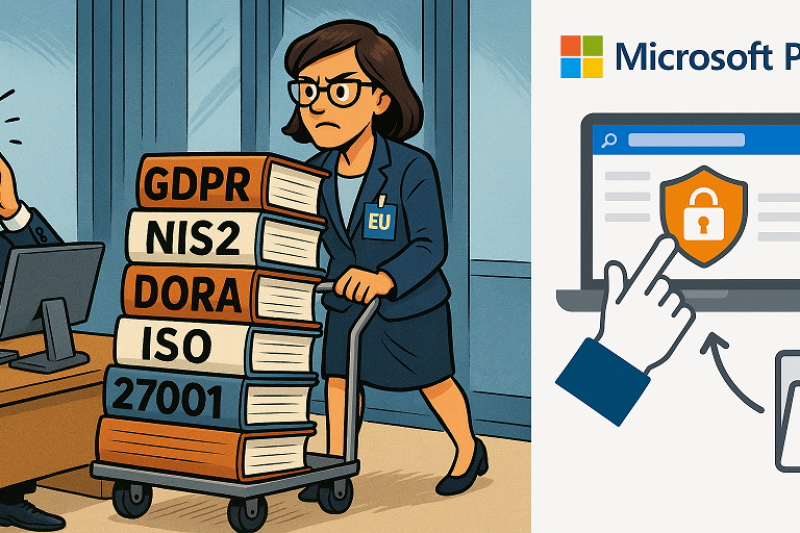
2. Regulatory and standards compliance The platform is compatible with data compliance and control requirements (e.g. GDPR, NIS2, DORA and others). Compliance capabilities are organised across global standards, regional frameworks (EMEA/EU) and country-specific requirements, depending on applicable legislation and industry.
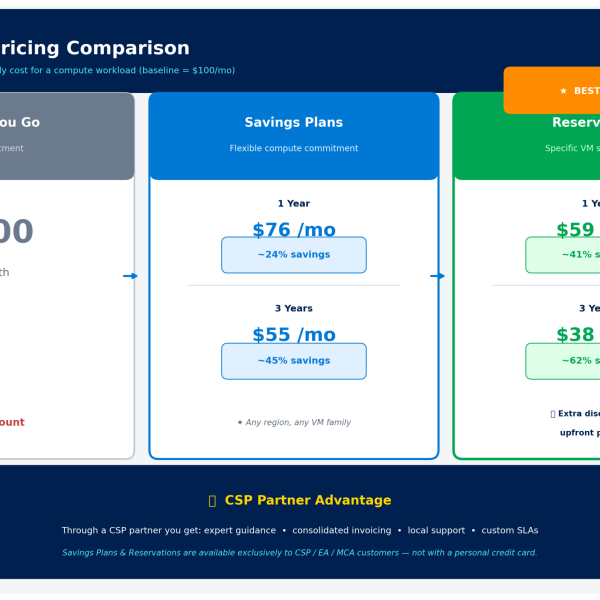
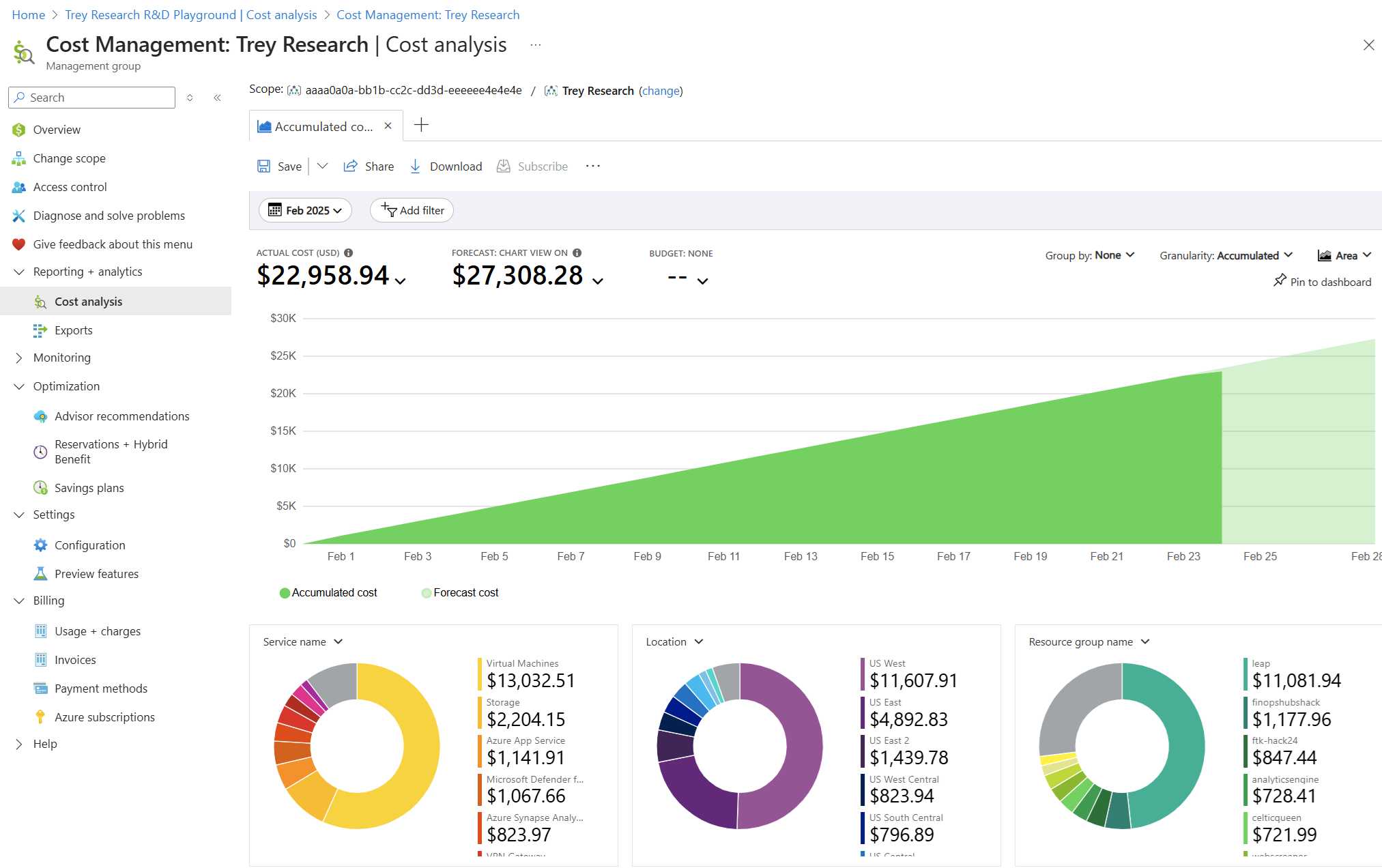
3. Pay-as-you-go model (cost control) You pay only for resources actually used, making planning and optimisation easier and reducing overprovisioning. Options include fixed pricing for 1 or 3 years (reserved instances) and a wide range of tools for cost analysis, optimisation and savings.
4. Scalability on demand Resources can be scaled up or down based on workload. Azure Monitor Autoscale sets rules based on metrics, events or schedules (e.g. CPU, memory), and the platform automatically scales out/in within defined min/max boundaries. Azure Advisor analyses configuration and telemetry and provides recommendations for performance, reliability and cost.
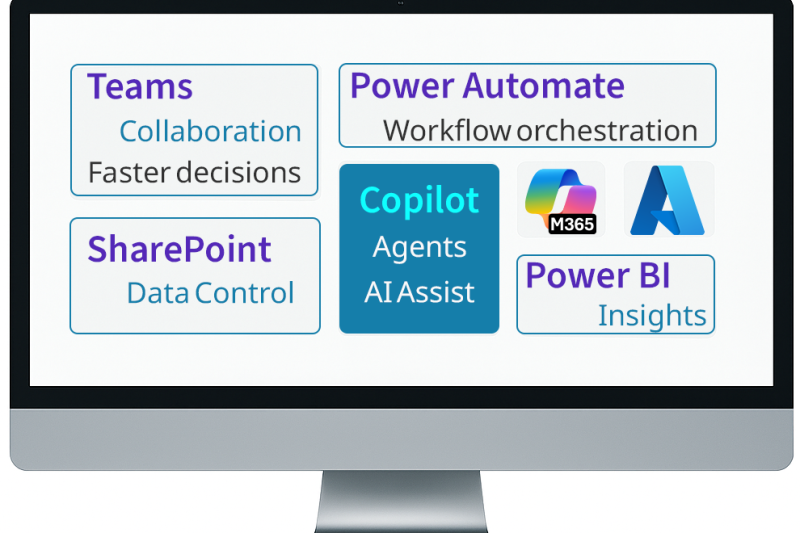
5. Microsoft 365 integration for productivity Combining Azure and Microsoft 365 improves integration and access — especially in hybrid models. Microsoft Entra ID is the foundation for cloud identity and access (authentication, policies, protection) across Microsoft 365 and Azure, enabling unified access control to applications and resources. Conditional Access enforces Zero Trust rules (e.g. MFA, device/location/risk) for access to Microsoft 365 and other resources.
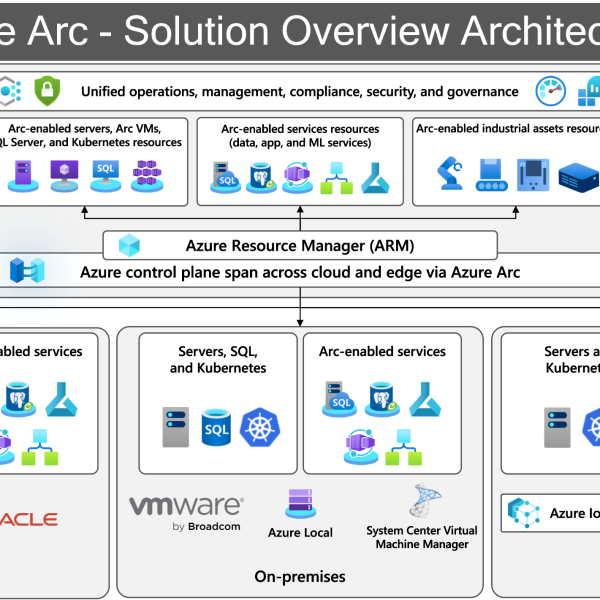
6. Hybrid architecture (cloud + on-premises) Azure supports scenarios where some systems remain on-premises while others are moved to the cloud, enabling gradual migration and integration. Through Azure Arc, resources outside Azure (servers/VMs/Kubernetes/DB) are presented in Azure Resource Manager and can be managed as native Azure resources with policies, monitoring and governance.
7. Reliable backup and fast recovery (Disaster Recovery, High Availability) Various backup and disaster recovery strategies can be implemented to reduce downtime and the risk of data loss. Azure Backup provides centralised backup to a vault for various workloads with on-demand recovery. Azure Site Recovery replicates workloads from a primary to a secondary site/region and orchestrates failover/failback, supporting a BCDR strategy during incidents.
8. Automated updates and maintenance For managed services (PaaS), part of the operational workload is handled by the platform, reducing the administrative burden.
9. Access from anywhere (secure access) Services are accessible from different locations and devices, with access controlled through policies and identity. Microsoft Entra provides a Zero Trust trust fabric (identity/conditions/permissions verification), while Conditional Access grants access based on defined conditions (user, device, location, risk).
10. Innovation platform (AI/ML/IoT/Analytics) Azure provides ready-made services for building new solutions faster — from data analytics to automation and artificial intelligence. Azure Machine Learning is for training and deploying ML models, Azure IoT Hub connects and manages devices, and Azure Data Factory collects and transfers data between systems.
Resources:
- Azure Arc overview (official documentation): learn.microsoft.com/azure/azure-arc/overview
- Azure Policy overview (policies and compliance): learn.microsoft.com/azure/governance/policy/overview
- Azure Advisor (cost and performance recommendations): learn.microsoft.com/azure/advisor/advisor-overview
- Azure compliance documentation (global/regional/requirements): learn.microsoft.com/azure/compliance
- Microsoft Entra Conditional Access: learn.microsoft.com/entra/identity/conditional-access/overview
If your goals include:
➡ Optimise costs and capacity based on actual workload
➡ Enhance security and enforce centralised policies (Zero Trust + governance)
➡ Manage a hybrid environment (Azure + on-premises + other clouds) through a single control layer
➡ Ensure business continuity and simpler operations (BCDR + updates + standardisation)